Account Set Up - Public Holidays
Dates set for Public holiday would come into effect when the employees with additional public holiday rates work on these dates.
Setting Public Holidays
Adding Public Holidays
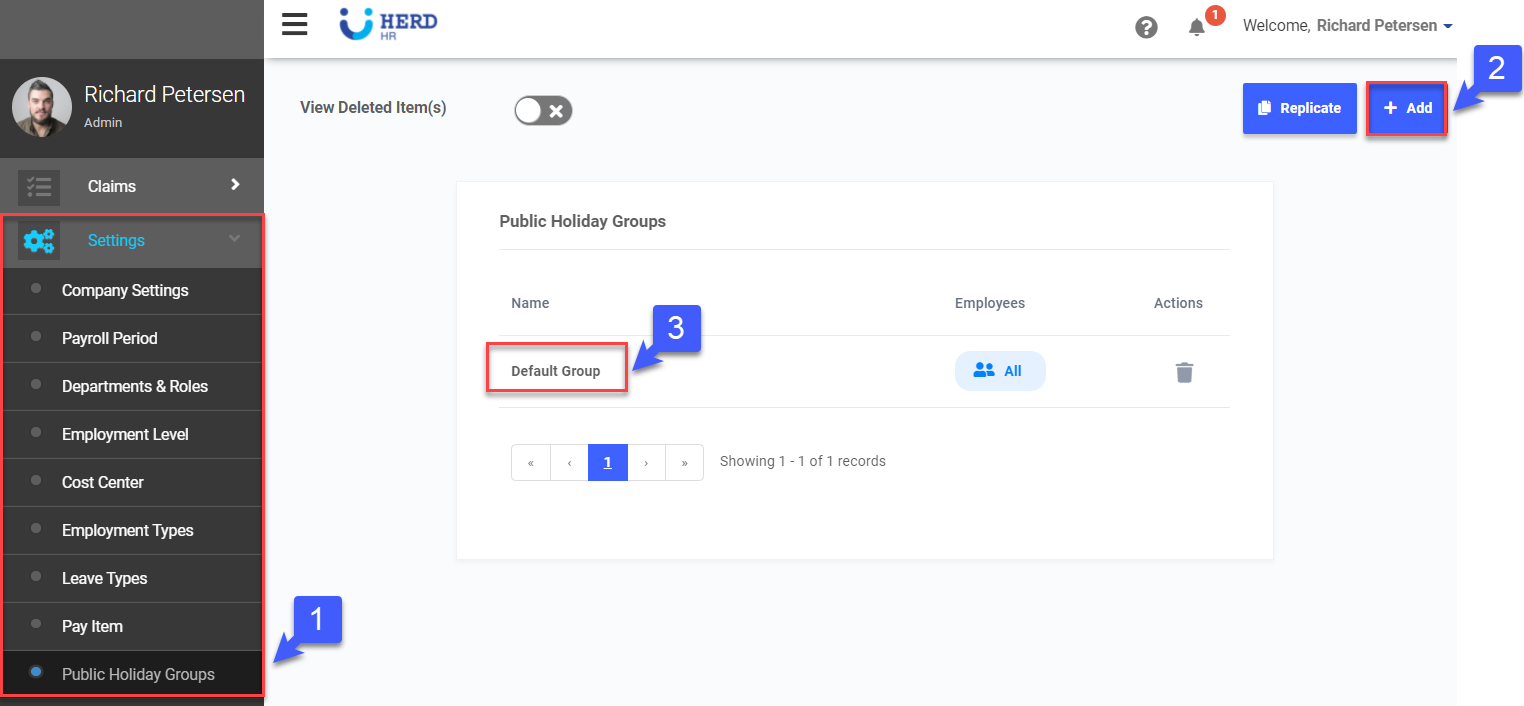
- On the left sidebar menu, Click Settings > Public Holiday Groups
- Click +Add to create new public holiday group
- Click on the Default Group for default public holidays of the current year
- Click on+ Public Holiday
- Key in the Holiday name
- Click
 to select Date
 - Click
 to save the record
 - Click x to cancel the record keyed in
- Click
 to edit the existing Holiday record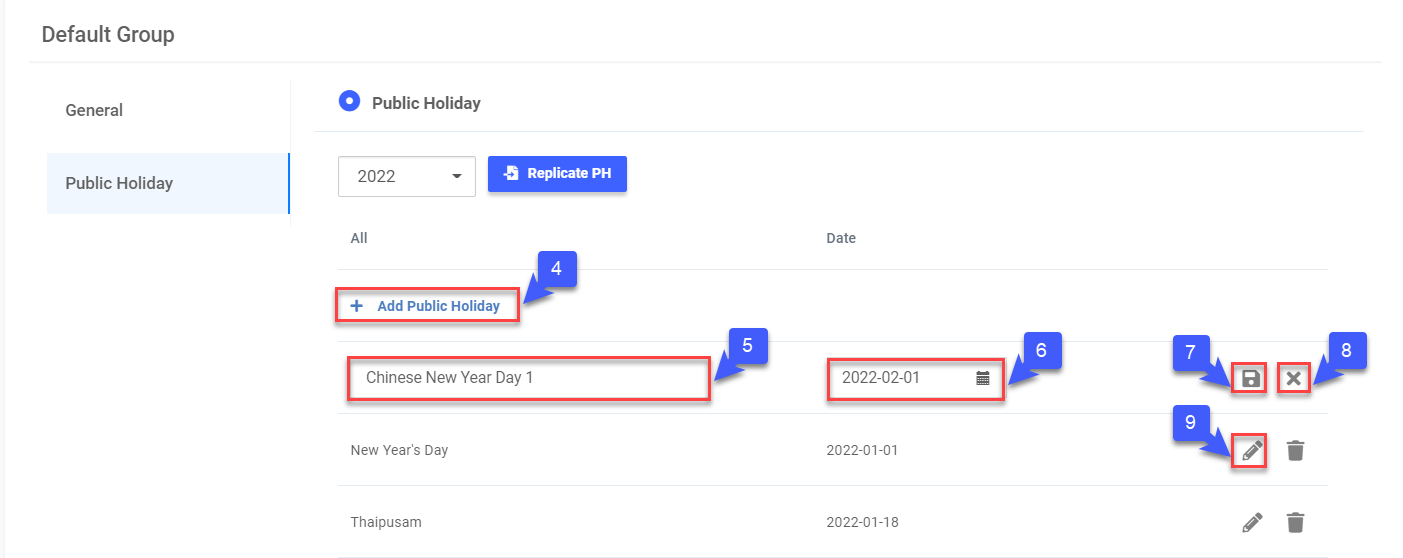
Deleting Public Holidays
- Click
 beside the edit icon to delete the particular Holiday record
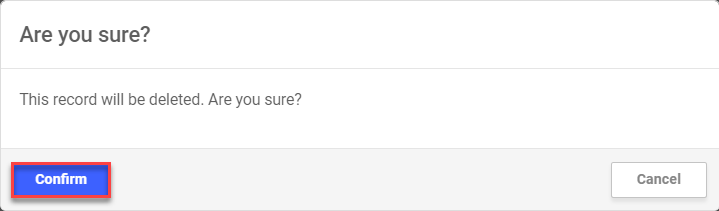
 - Click Confirm to delete