Users who are disabled will not be able to view submitted or approved leave of their colleagues in the Calendar located on the top left-hand corner of the HERD App.
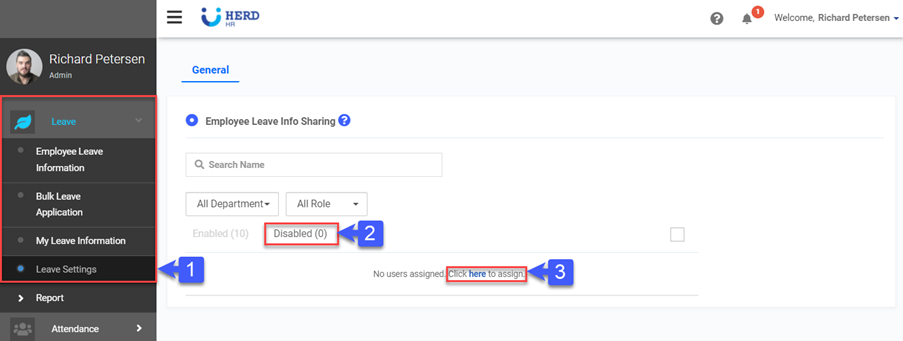
To disable users
- On the left sidebar menu, go to Leave > Leave Settings.
- Click Disable
- Click here to assign users.
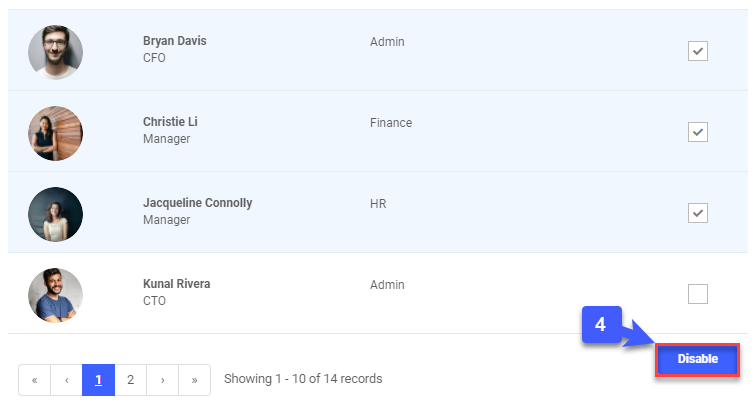
4. Select users and click Disable