Getting started with applying leave
Leave application in 2 simple steps
Step 1: Selecting Leave Types
Step 2: Selecting the dates
Step 1: Selecting Leave Types
- Click on the type of leave you wish to apply.
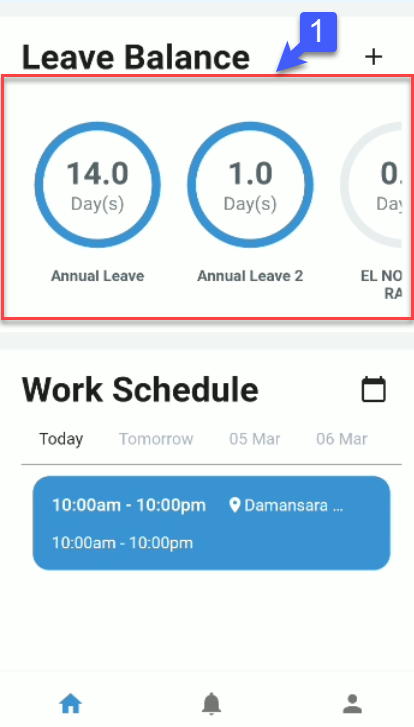
Step 2: Selecting Leave Dates
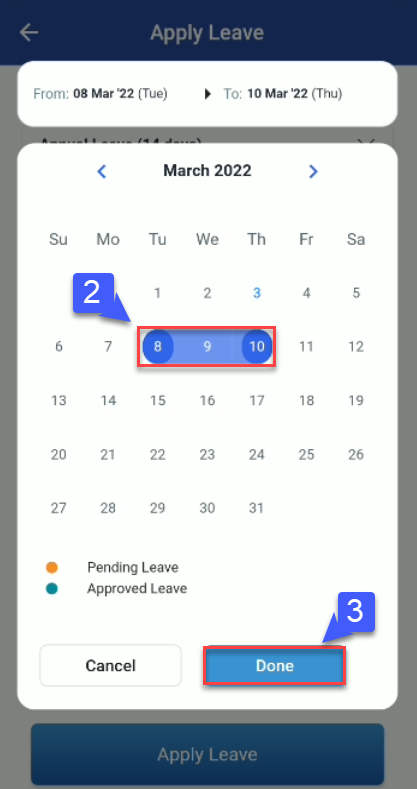
- Click on intended start date.
- Click on intended end date.
- Click Done
.
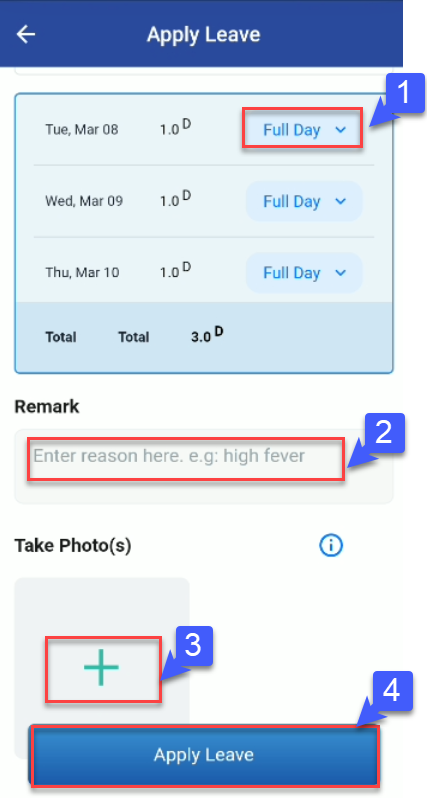
- Click “ Full Day“ to select leave duration for each day. (Full day, 1st Half, 2nd Half)
- Enter “Remarks” for leave application. (Eg. Vacation or High Fever)
- Click “+” Icon to upload any supporting documents.
- Press “Apply”.