Getting started with approving leave
Follow this 1 step to approve leave.
Step 1: Looking at Leave requests and approving them
Step 1: Looking at leave requests and approving them
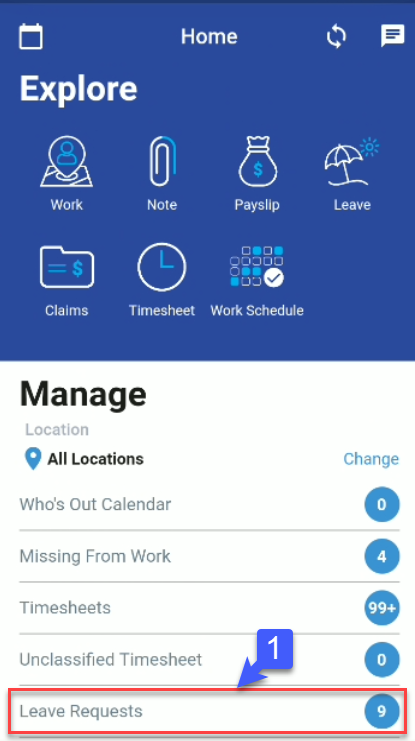
1. At the bottom of the screen, Click “Leave Requests”
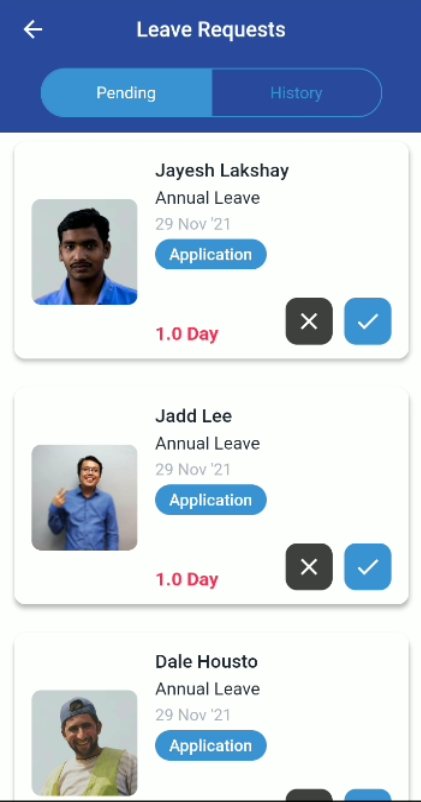
2. Click on the profile of the employee whom you wish to apply/reject leave.
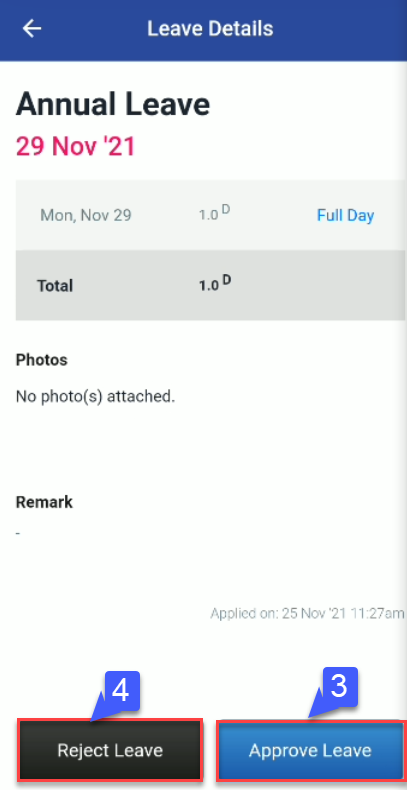
3.Click “Approve” button to approve.
4.Click “Reject” button to reject.