Mark employees as confidential to hide their profile from all users except the Admin, Payroll Manager, HR Manager, and users he / she is reporting to.
Marking Confidential
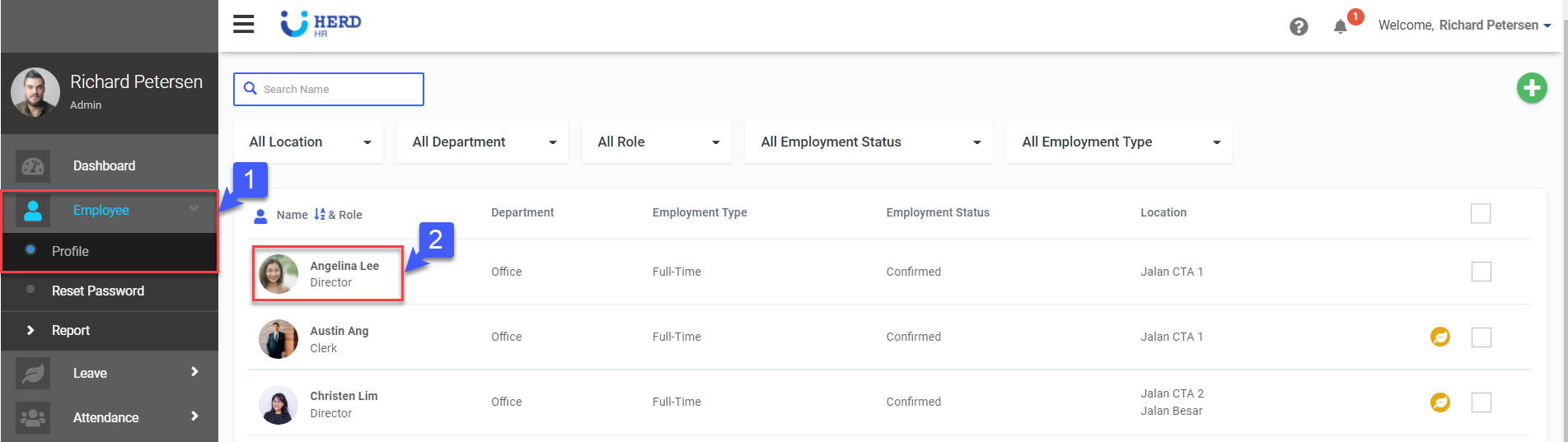
- On the left sidebar menu, Click Employee>Profile
- Select desired Employee
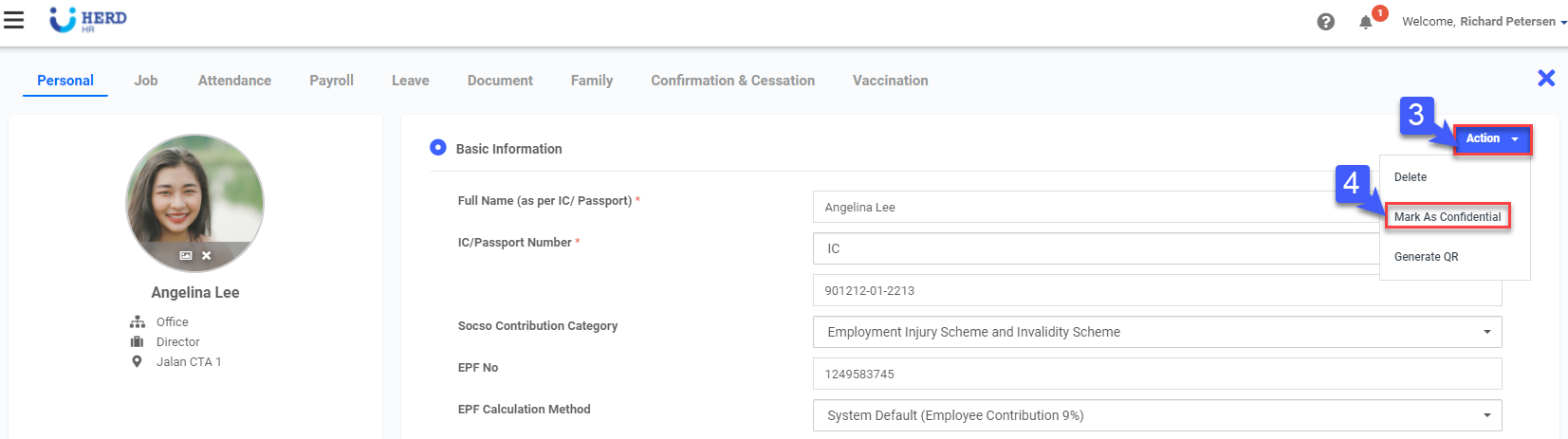
- Click Action
- Click Mark As Confidential
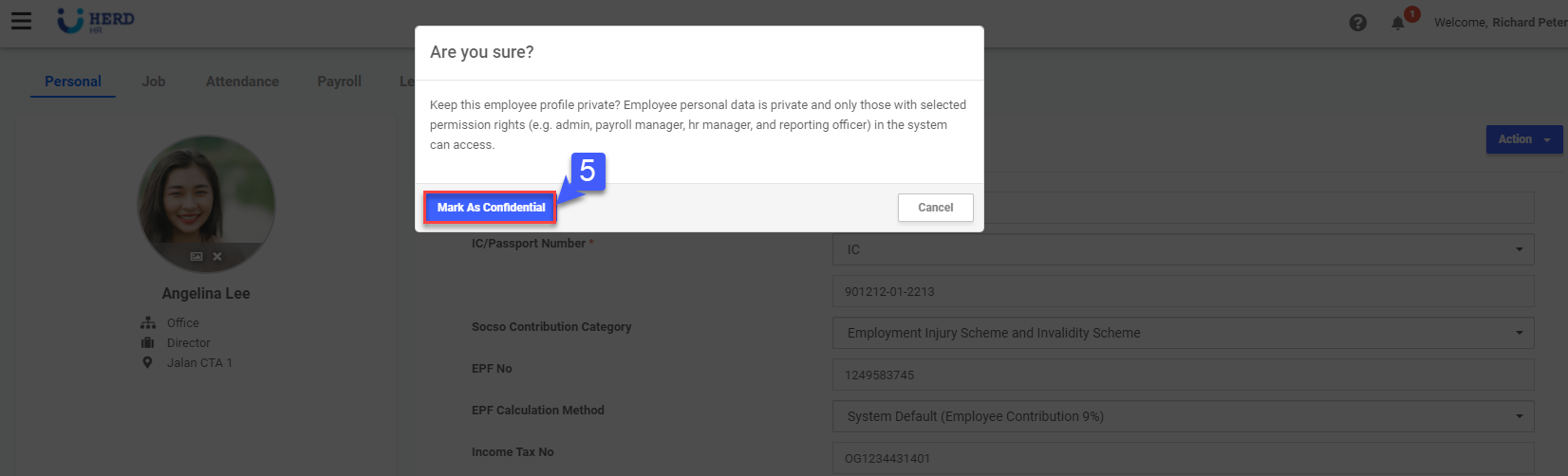
- Click Mark As Confidential to confirm