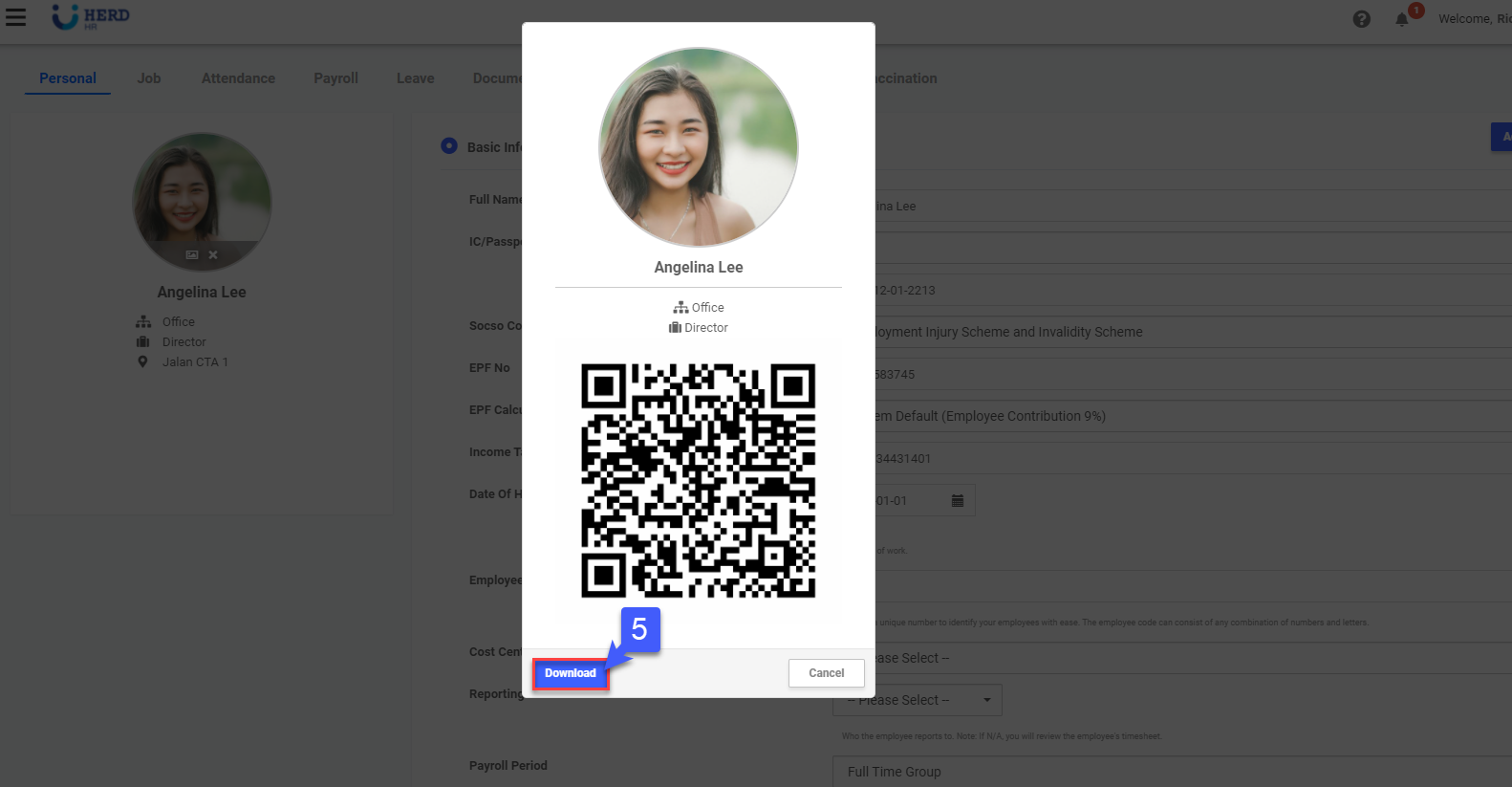
SG 3.5: How to generate an Employee's QR Code? February 10, 2022 03:05 Updated Follow Managing Users - Generate Employee QR Code Generate QR On the left sidebar menu, Click Employee>Profile Select desired Employee Click Action Click Generate QR Click Download to download QR code Related articles SG 7.1: How to generate Payroll?