Account Set Up - Employment Types
Configuring Employment Types
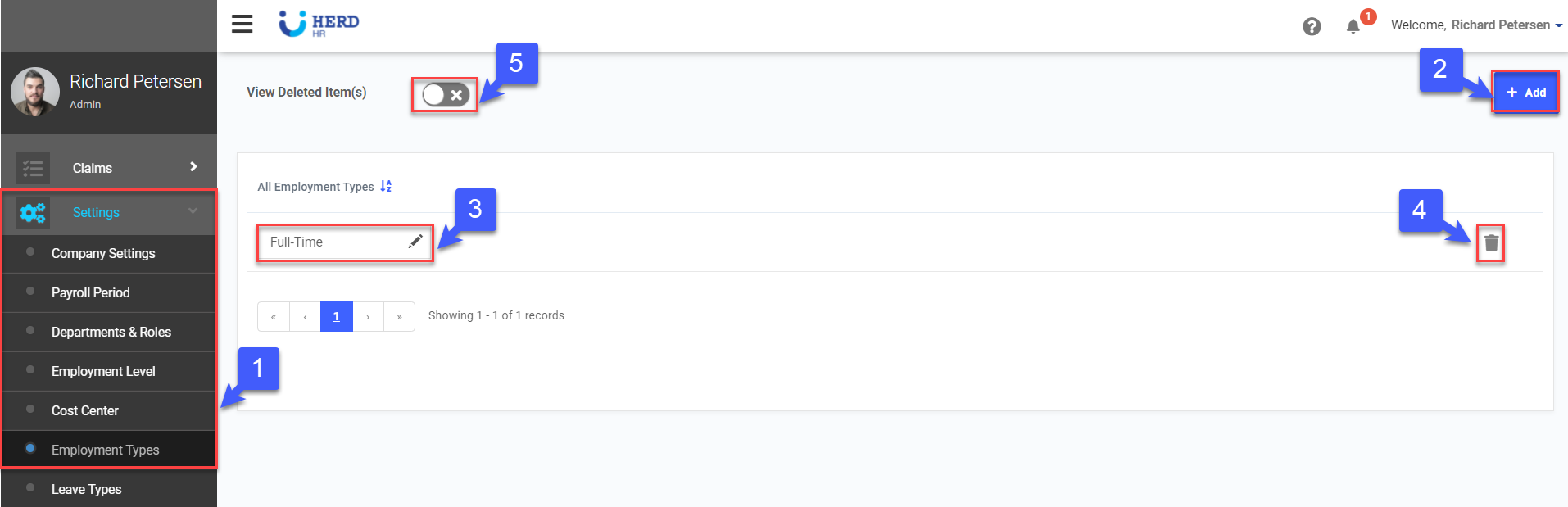
- On the left sidebar menu, Click Settings > Employment Types
- Click +Add to add a new input field
- Key in Employment Type Name
- Click
 to delete pre-set Employment Types
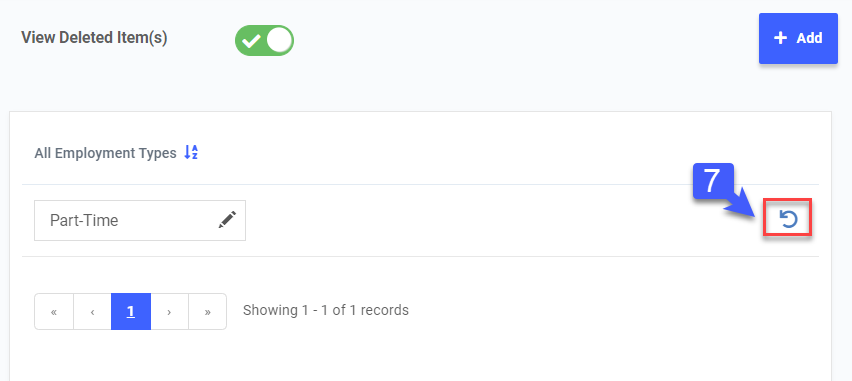
 - Toggle View Deleted Items(s) to view deleted records, if required
- Click
 to restore deleted records, if required